CarPlay Activation
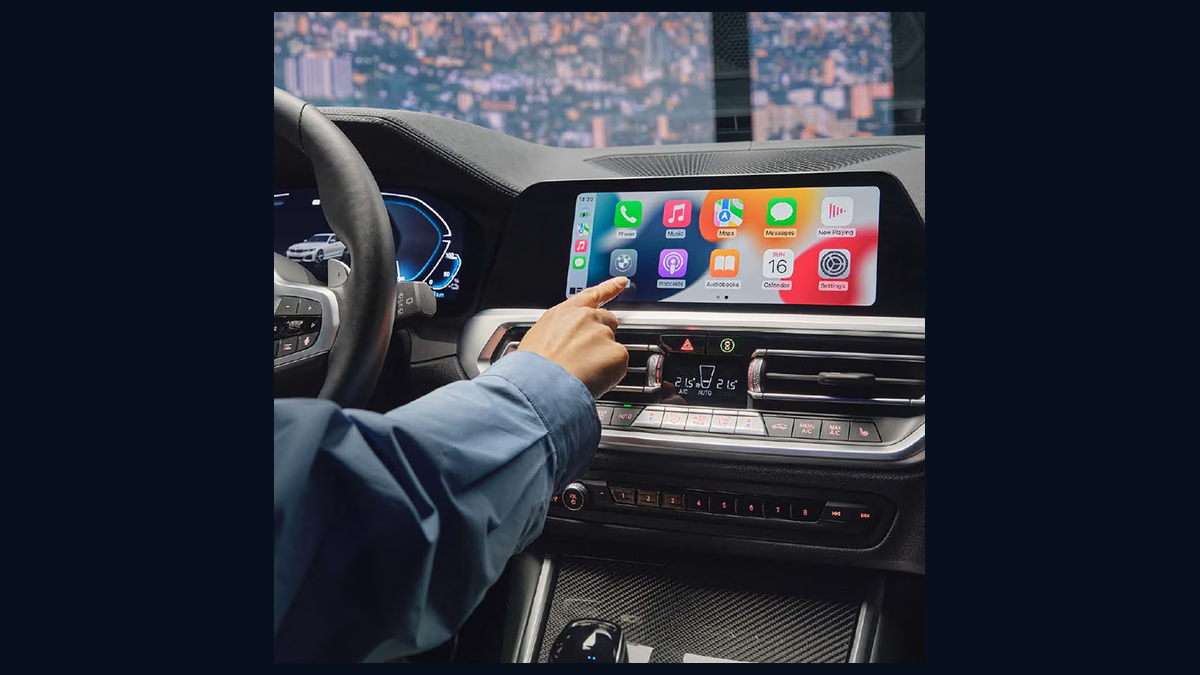
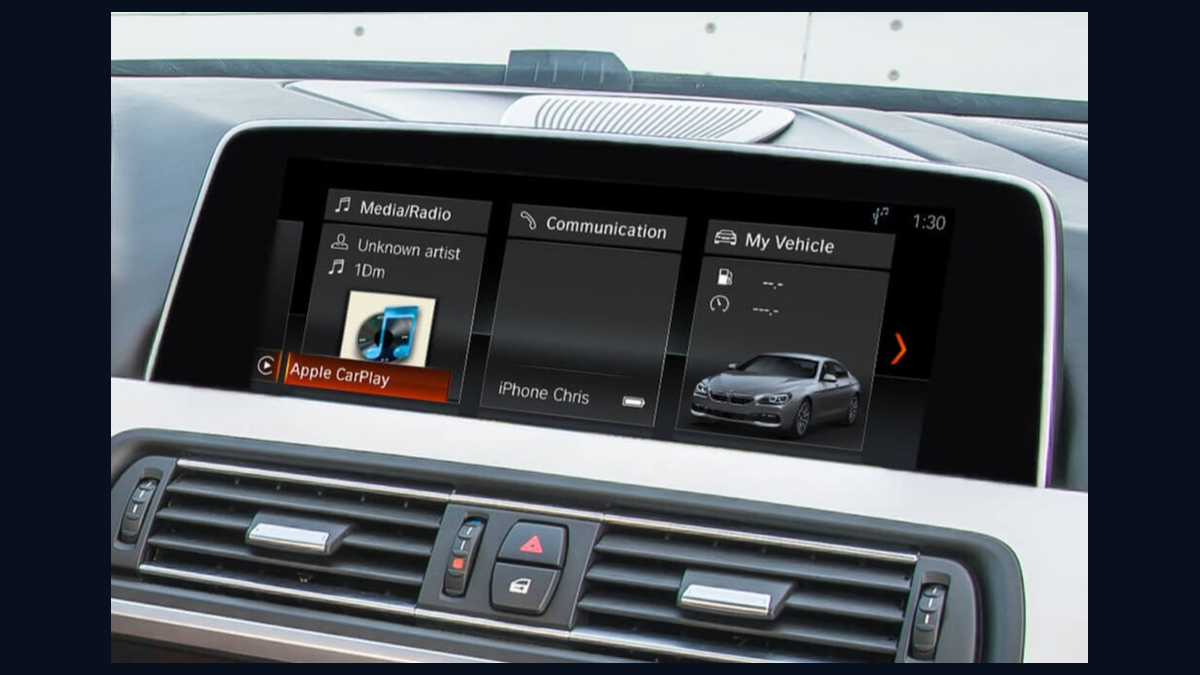
Enable Apple CarPlay on supported BMW systems including selected MGU and NBTEVO platforms. Real CarPlay example image shown.
- Supported systems: MGU / NBTEVO
- Clear service name for customers
- Direct Telegram ordering
If you have a BMW and want to activate CarPlay, enable Android Auto, update maps, unlock features, or use MGU / NBTEVO / EVO services, BimmerEye gives you one simple place to start. The service cards below now use real example images so customers understand the services more clearly.
This section is built like a simple product shop so customers instantly understand what BimmerEye does. Open the bot, choose the service, send the VIN, and continue from there.
Enable Apple CarPlay on supported BMW systems including selected MGU and NBTEVO platforms. Real CarPlay example image shown.
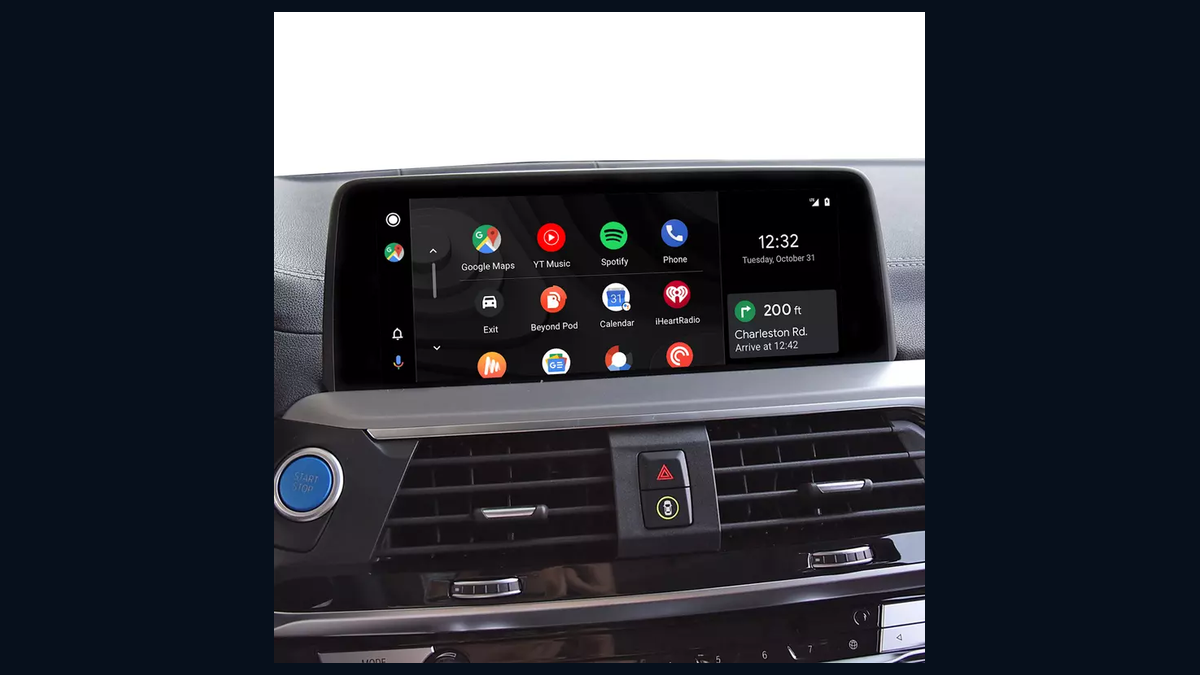
Add Android Auto on supported BMW systems and use your Android apps from the vehicle screen. Real Android Auto example image shown.
Update your BMW navigation map on supported systems with the correct package for your unit. Real BMW navigation example image shown.
Feature activation, coding support, CarPlay, Android Auto and map-related workflows for supported BMW MGU systems.
CarPlay, map updates and infotainment feature upgrades for supported NBTEVO / ID5 / ID6 systems.
Fullscreen CarPlay, Video in Motion, ID6 Light HMI, VO Coding Fix, Black Screen / Region Unlock and more for supported EVO workflows.
No complicated website logic. The site explains the services, then the Telegram bot handles the order flow.
These sections use simple language instead of technical-only wording, so even a first-time customer knows what the service is for.
Want Apple CarPlay on your BMW screen? This service is for customers who want to add CarPlay to a supported BMW system. Instead of reading confusing technical labels, the customer just sees a simple “CarPlay Activation” product.
This service is for customers who want Android Auto on a supported BMW infotainment system. The product name is clear and direct, so the customer understands immediately what is being offered.
Customers do not want to decode technical map names first — they want a simple answer: “Can you update my BMW map?” This section presents Map Update as a clear product and then the bot can handle the compatibility or next step.
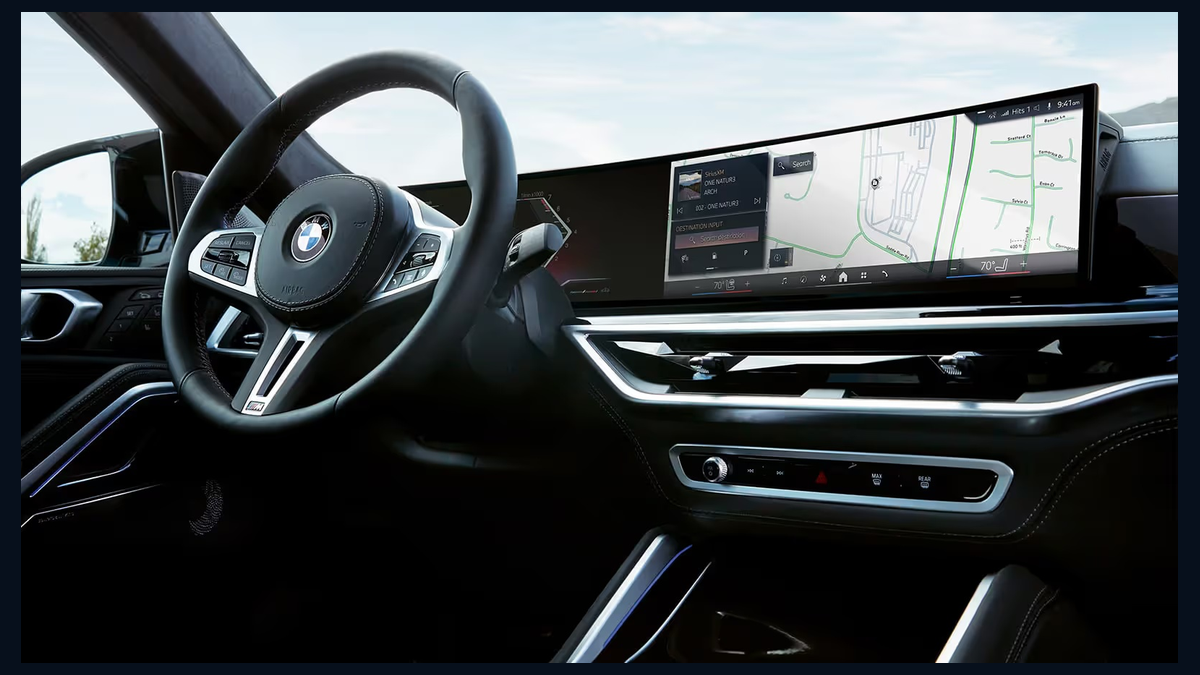
MGU is one of the main BimmerEye categories. On the site, this should look simple: MGU services can include CarPlay, Android Auto, Map Update, coding support and feature activation.
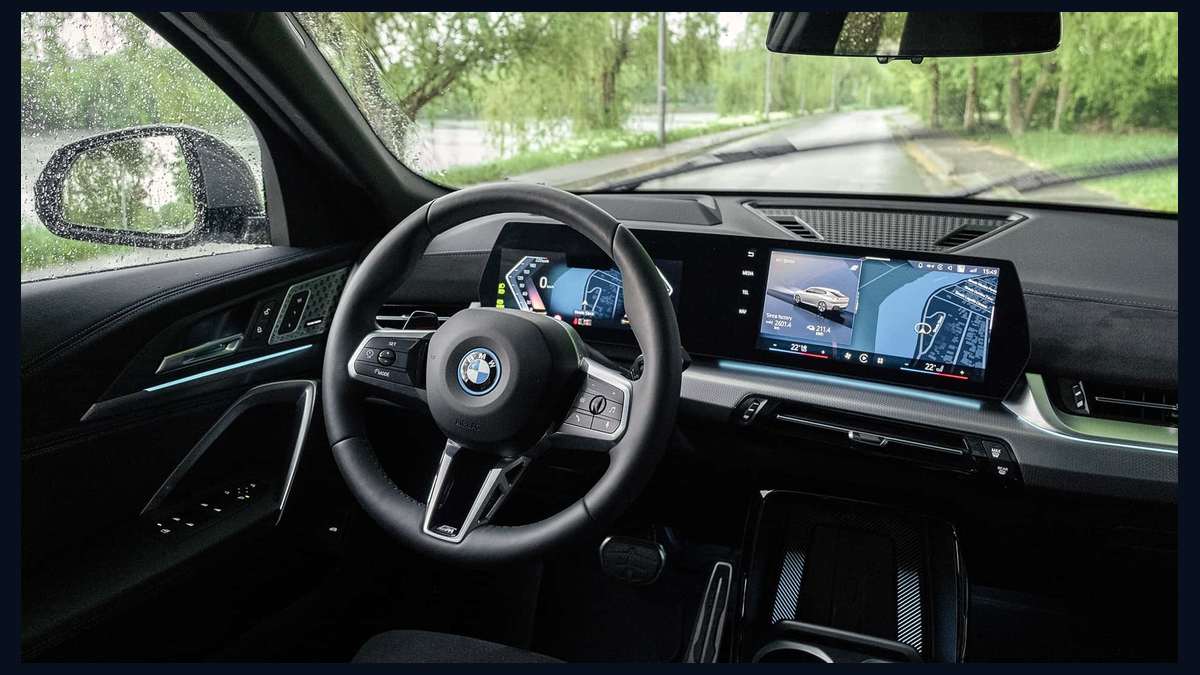
Some customers know they have NBTEVO, some only know they want CarPlay or map update. This page explains NBTEVO in simpler wording and connects it to real customer needs.
BimmerEye helps customers with BMW digital services such as CarPlay activation, Android Auto activation, Map Update, MGU services, NBTEVO services, EVO feature unlocks, MGU18, MGU21 and ID4 to ID6 related workflows.
Choose the service on the website, then open the BimmerEye Telegram Bot. The bot continues the order flow and asks for the VIN or other needed information.
No. The website is intentionally written in simple product language like “CarPlay Activation” and “Map Update” so the customer understands immediately.
That is fine. Open the bot and follow the instructions. The workflow can continue from the VIN and service choice.
Prices depend on services. Services start from €1, while other services can have different prices or credit requirements.
Use Telegram for the main workflow or WhatsApp / email for support.
Best for placing an order, sending the VIN and following the service workflow.
Use WhatsApp or email if you need help before ordering.